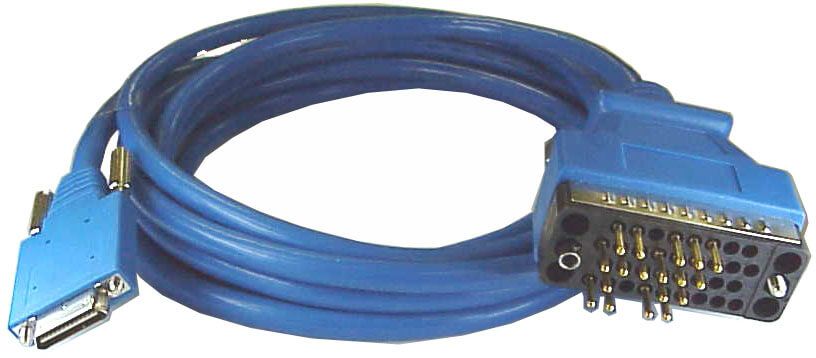
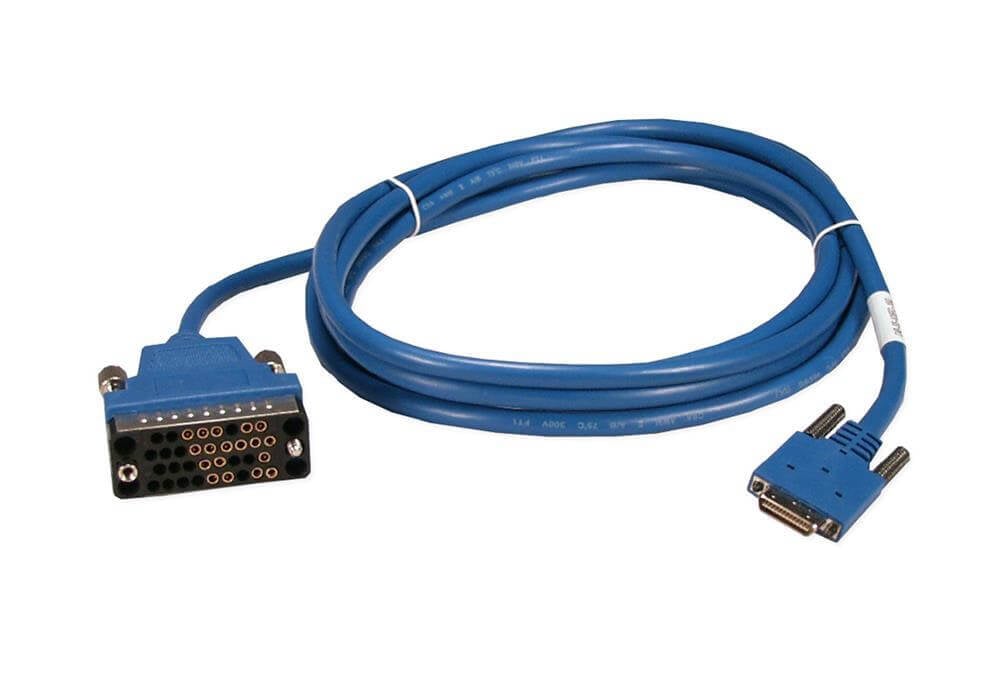
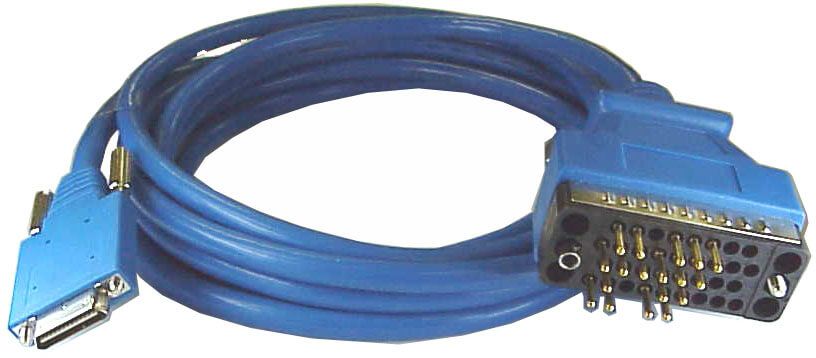
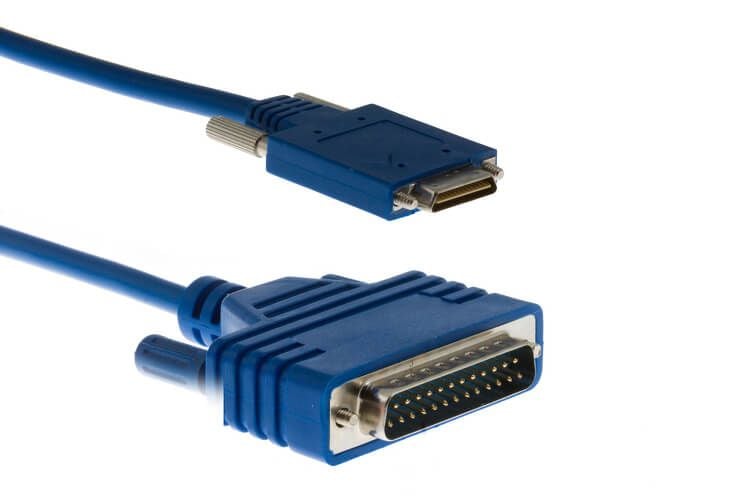
CAB-232MT Cisco RS-232 Cable 10 Feet Dte Male | New Factory Sealed
$58.49
$80.13
Description Comparison between The CAB-232MT Cisco 10 Feet RS-232 Cable Dte Male is another type of serial cable used for configuring and managing Cisco networking equipment. Here’s a comparison between the CAB-SS-232FC Cisco Female DCE Smart Serial Cable and the CAB-232MT Cisco 10 Feet RS-232 Cable Dte Male: Connector type: The CAB-SS-232FC cable has a female DCE connector on one end and a DB-25 male connector on the other end, while the CAB-232MT cable has a male DTE connector on both ends. Cable length: The CAB-SS-232FC cable is typically available in shorter lengths of 3, 6, or 10 feet, while the CAB-232MT cable is available in longer lengths of up to 25 feet. Compatibility: The CAB-SS-232FC cable is primarily used with Cisco networking equipment, while the CAB-232MT cable can be used with a wide range of serial devices that have a male DTE connector, such as modems, printers, and industrial equipment. Pinouts: The pinouts for the CAB-SS-232FC cable are designed specifically for Cisco networking equipment, while the CAB-232MT cable uses standard RS-232 pinouts. Signal quality: The CAB-SS-232FC cable uses shielded twisted pair wires to reduce interference and improve signal quality, while the CAB-232MT cable may be more susceptible to signal interference and loss over longer distances. Cable management and organization Cable management and organization is an important aspect of using the CAB-232MT Cisco 10 Feet RS-232 Cable Dte Male effectively and efficiently. Here are some tips for managing and organizing the cable: Use cable ties: Cable ties can be used to bundle and organize the cable. They can help to prevent tangles and keep the cable neat and tidy. When using cable ties, be sure not to over-tighten them, as this can damage the cable. Label the cable: Labeling the cable can help to identify it and prevent confusion with other cables. You can use adhesive labels, heat-shrink labels, or cable markers to label the cable. Use cable clips: Cable clips can be used to secure the cable to a surface, such as a wall or desk. This can help to prevent the cable from getting tangled or accidentally disconnected. Keep the cable away from heat sources: Heat sources, such as heaters or hot equipment, can damage the cable over time. Keep the cable away from heat sources to prevent damage. Store the cable properly: When not in use, the cable should be stored properly. You can use a cable reel or cable tie to store the cable neatly and prevent tangles. Inspect the cable regularly: Regular inspection of the cable can help to identify any signs of wear or damage. If the cable shows signs of wear, it should be replaced to prevent signal loss or data errors. Installation and setup instructions The installation and setup instructions for the CAB-232MT Cisco 10 Feet RS-232 Cable Dte Male will depend on the specific use case and equipment being connected. However, here are some general steps that can be followed: Check the connector type: Ensure that the device you are connecting to has a compatible DTE connector for the male end of the cable. Connect the cable: Plug one end of the cable into the DTE port on the device you are connecting to, and the other end into a serial port on your computer or terminal device. Configure the serial port settings: Configure the serial port settings on your computer or terminal device to match the settings required by the device you are connecting to. This may include settings such as baud rate, data bits, stop bits, and parity. Test the connection: Once the cable is connected and the serial port settings are configured, test the connection to ensure that it is working properly. You can do this by sending commands to the device and verifying that the response is received correctly. Troubleshoot any issues: If you encounter any issues with the connection, check the serial port settings, ensure that the cable is securely connected, and inspect the cable for any signs of damage or wear. General Information: Manufacturer: Cisco Systems, Inc Manufacturer Part Number: CAB-232MT Brand Name: Cisco Product Mode: CAB-232MT Product Name: Serial RS-232 Cable Product Type: Data Transfer Cable Technical Information: Cable Type: Serial Cable Length: 10 ft Connector on First End: 1 x 60-pin DB-60 Male Connector on Second End: 1 x 25-pin DB-25 Male